MoD
A framework bot that runs hand-crafted text-adventure worlds (MUDs) inside Discord, with cross-server shared game state.
MoD was something I had been stewing on for a while in my final year of undergrad. In high school I had dabbled with MUDs like Achaea, and more single-player webbish text games like Syrth. I was also familiar with Nethack. At the time I was re-visiting those designs and motifs via a game by Lena Raine's (under her Radical Dreamland studio), ESC.
In the college I was in, seniors did capstone projects. The default option was to pick a project from a pile and join a group. The pile was made by companies submitting projects to the school, with a handful of professor projects too.
From the outset, I thought that'd be super lame. So I took the alt path: I spent time with my mentor prof writing up a 3-page project proposal. At the time I was also working ~25 hrs a week doing fullstack for a local web dev company. I had gotten a decent handle on React, and had started dabbling with Discord bots via the Node and Python libs. The plan went through several iterations. I have included here the final proposal doc, along with the rest of the docs we used to track project progress. Looking back I feel a bit of pride.
Anyways, so the way student projects work is that they're submitted to a roundtable where a majority of professors and interested parties have to okay the plan. Mine went through fine. The next 6 months were a lot of learning to help team members. I assisted with tool use learning, and even had 1:1 sessions for some group members who struggled to get through their tasks. This was a formative experience.
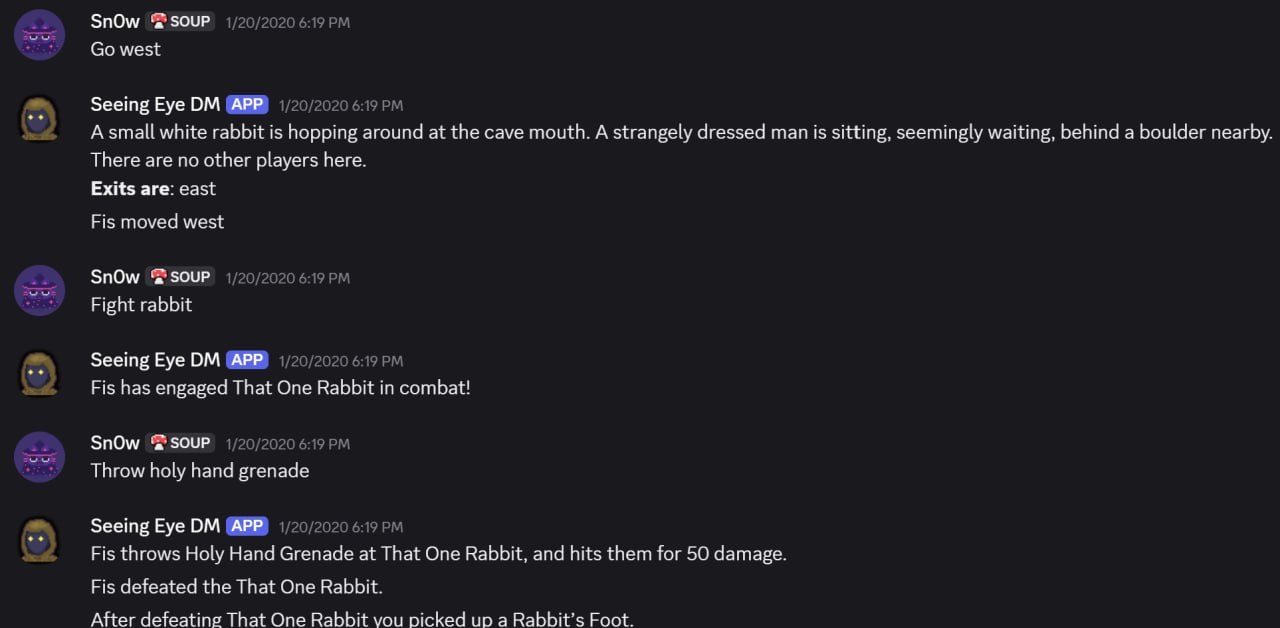
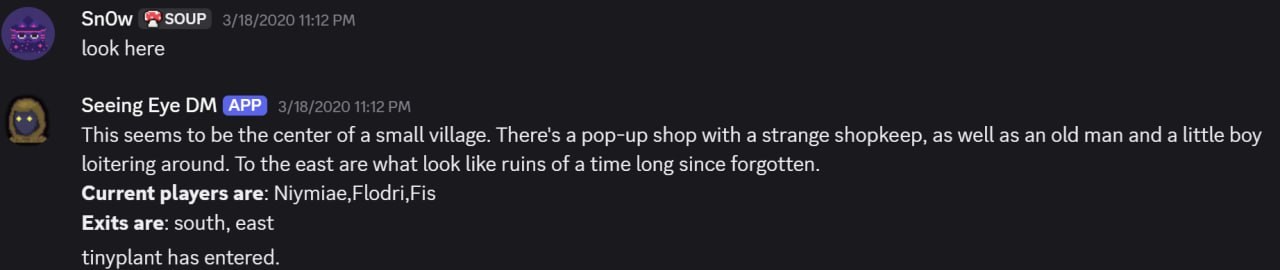
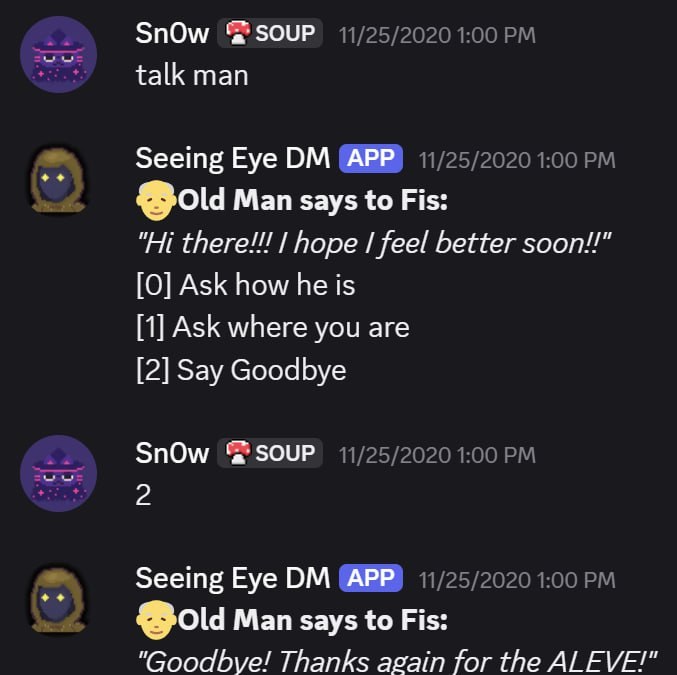
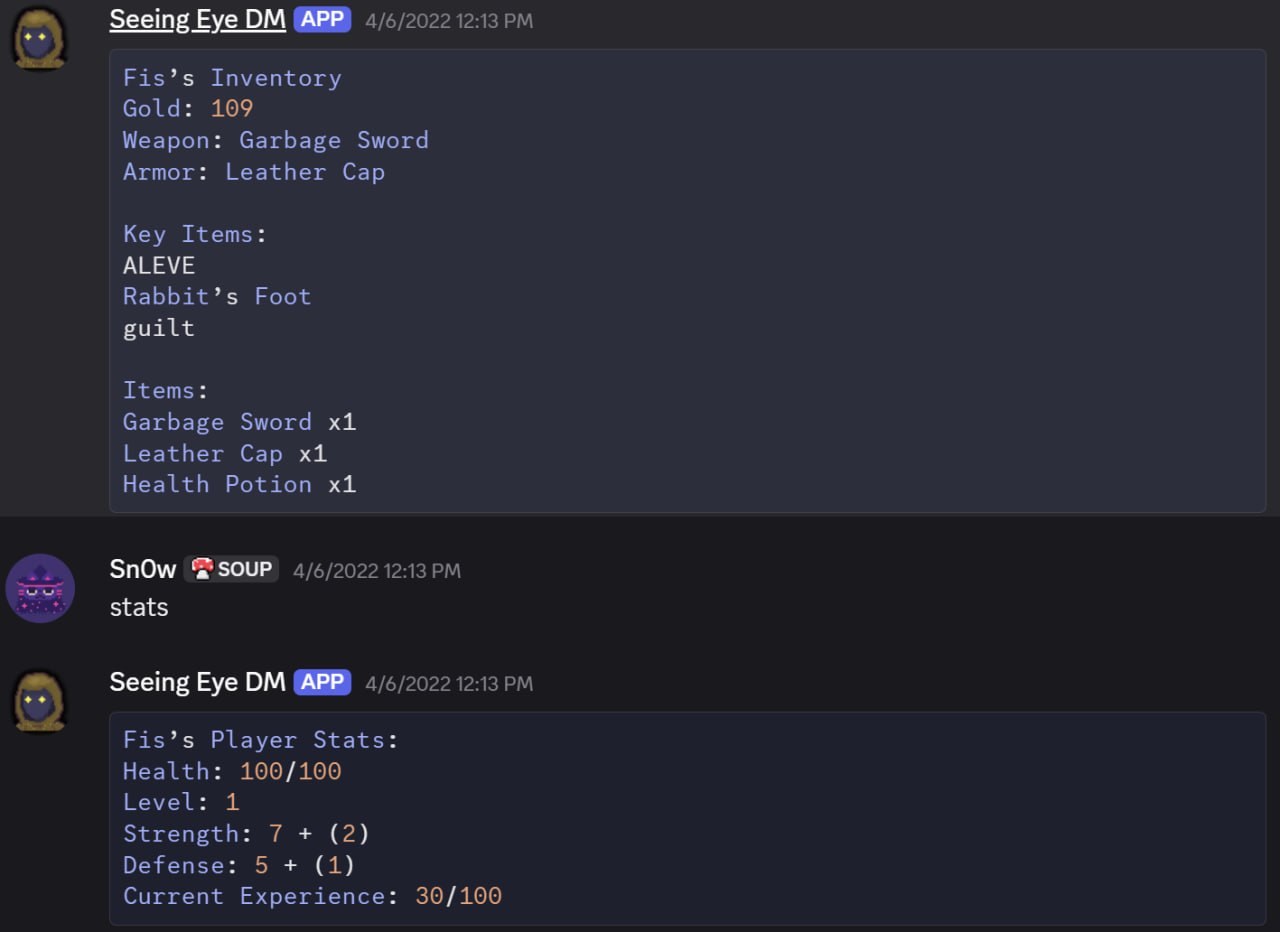
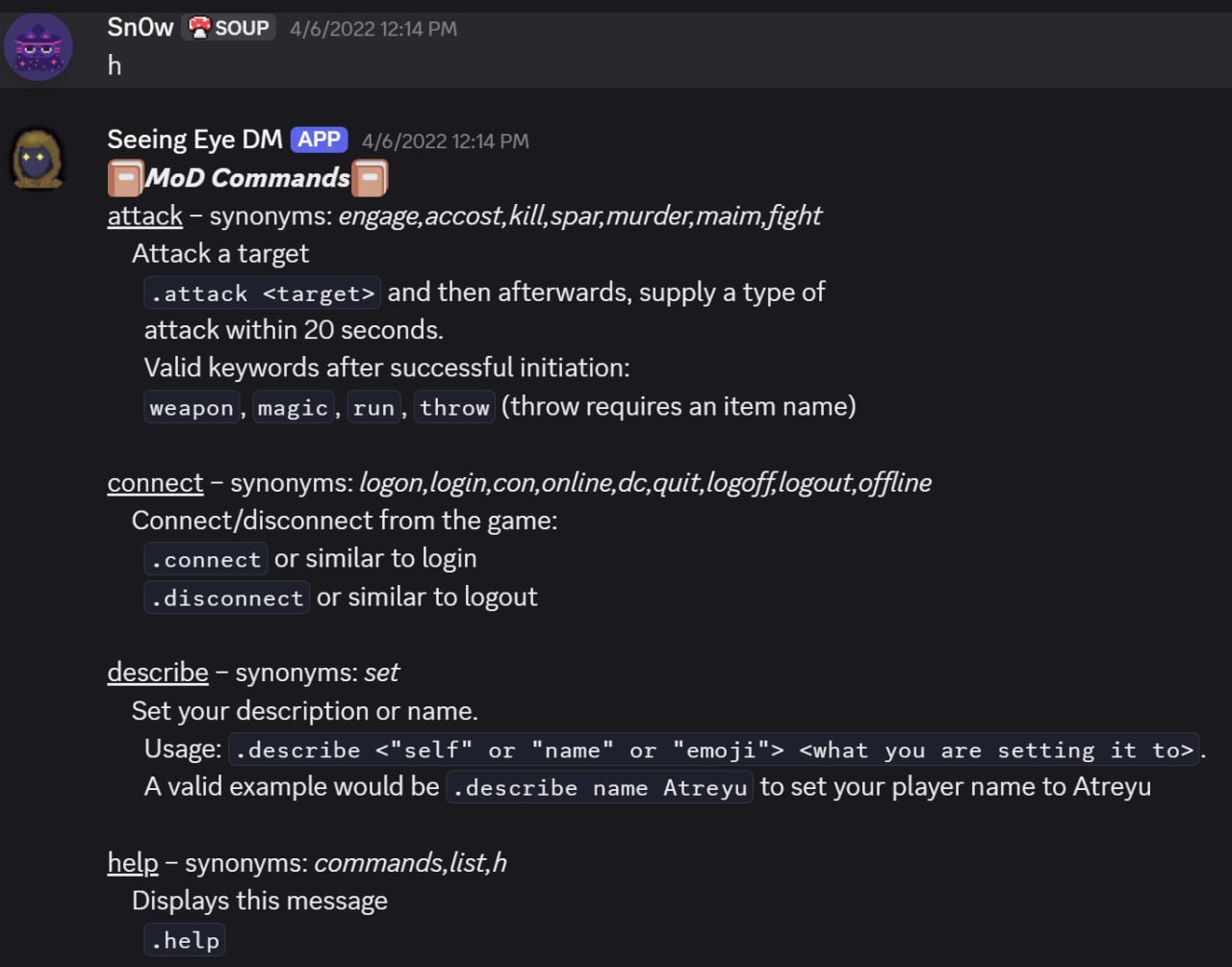
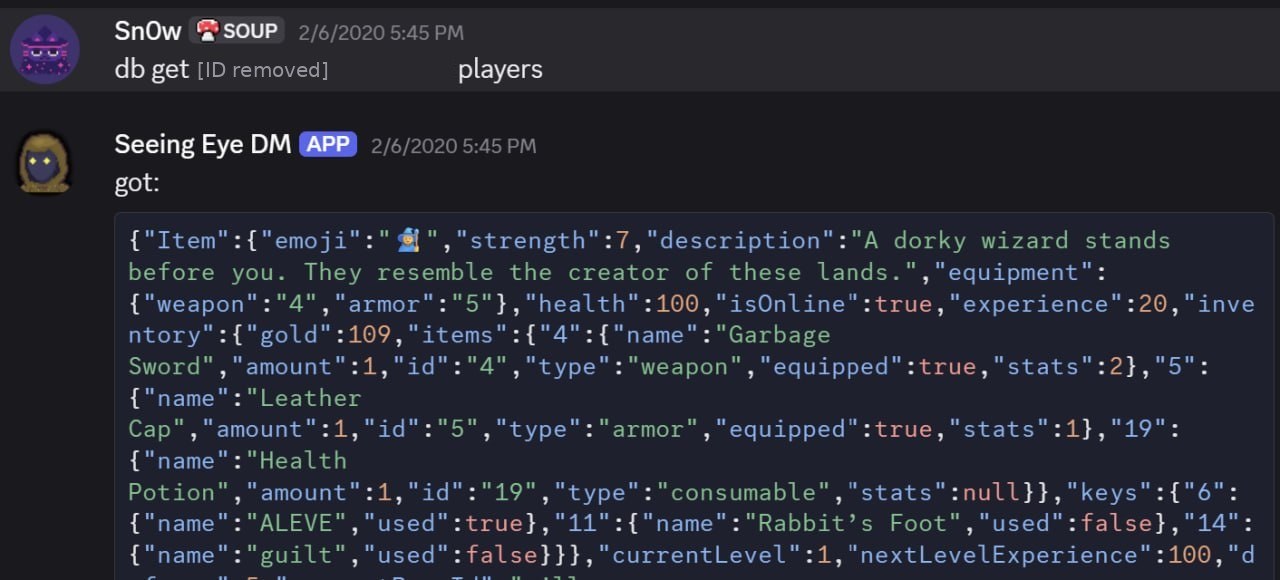
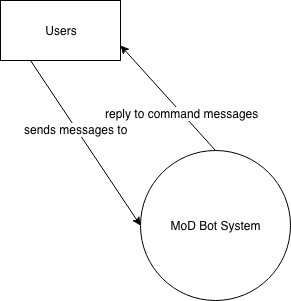
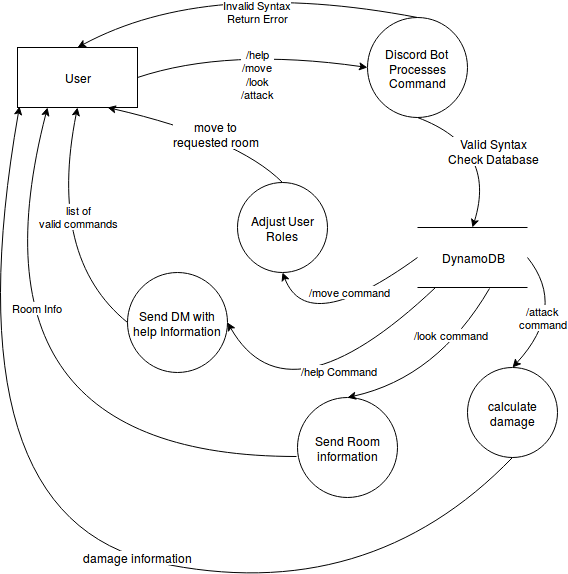
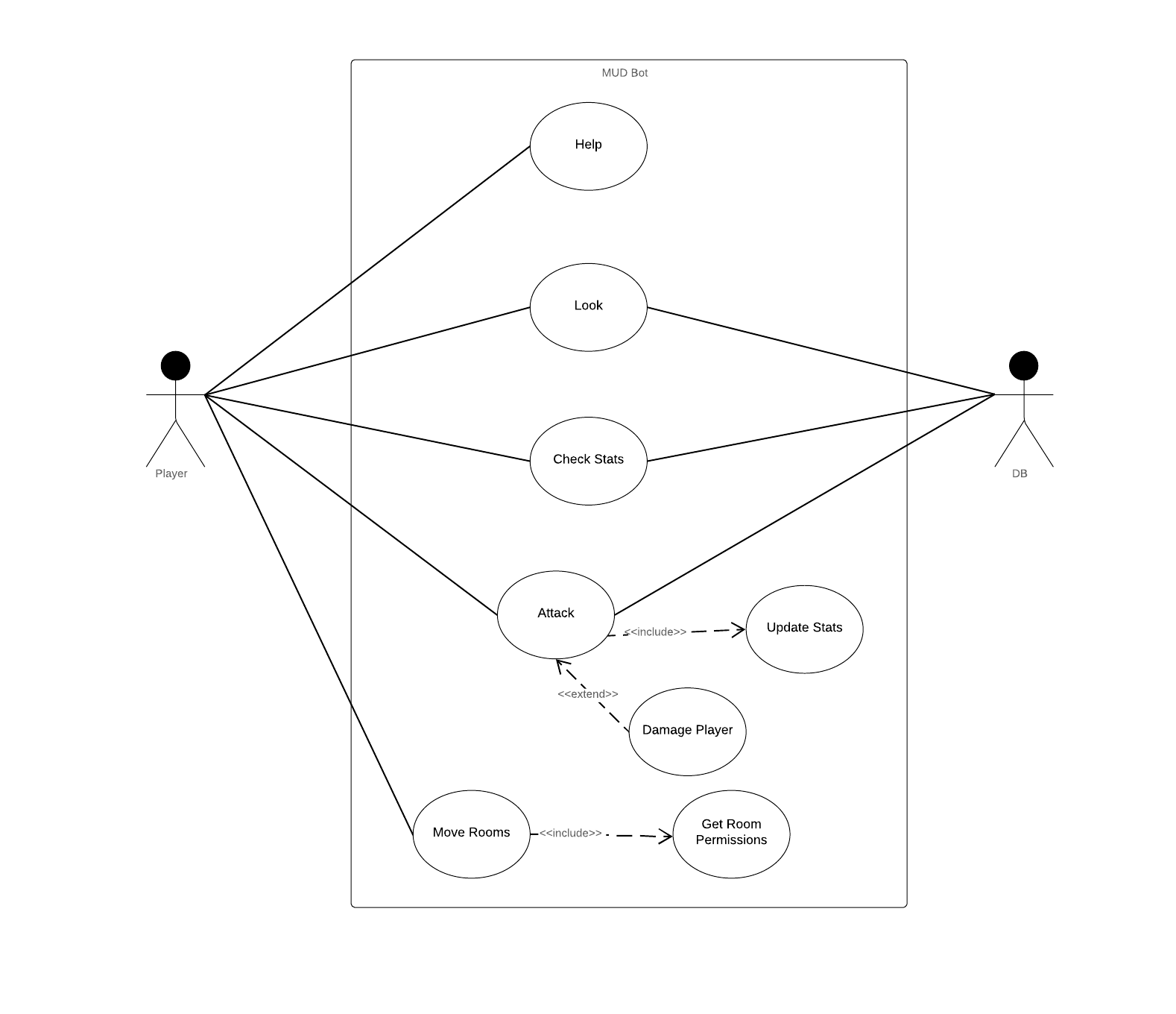
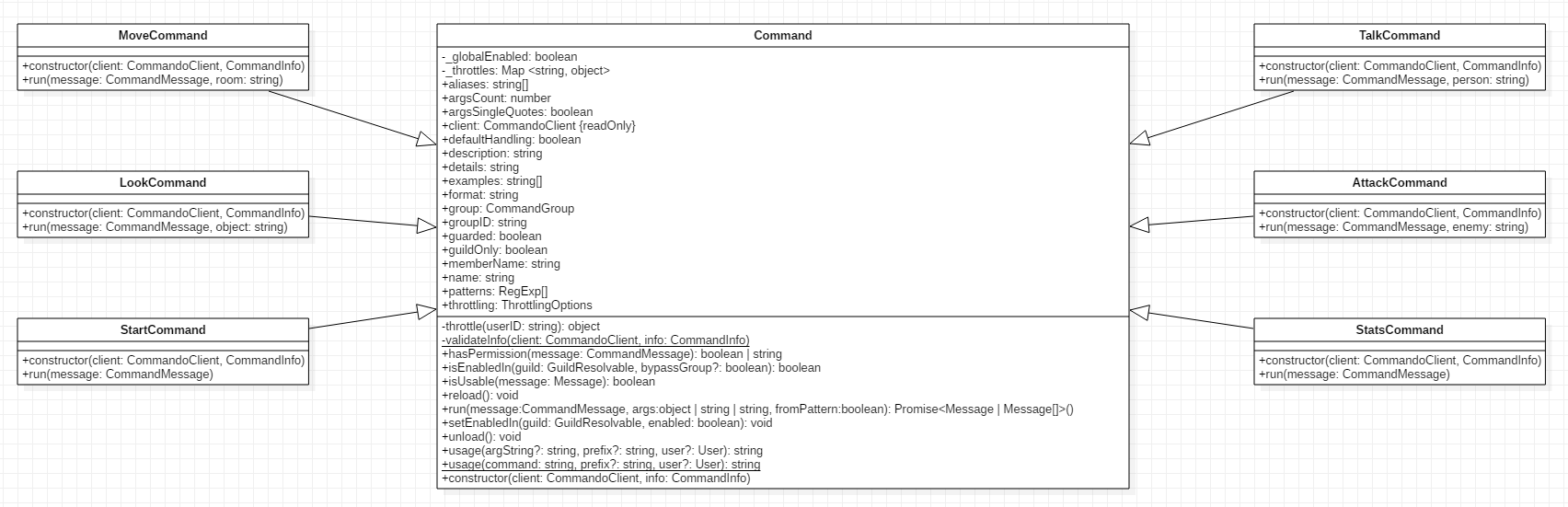
We went through a few alterations of the architecture, but by the end of things, we had a fully working, modular MUD system. As basic as it was, it was kinda damn cool. You could sign up by being in a server with the bot that was the external bridge to the internal node server. From there, you could use your DM with the bot as a pseudo-CLI. This was prior to a lot of major Discord bot changes, and so we had to make a lot more tiny decisions around things like, what's the invocation prefix token? We used different ones throughout the process; I think the final iteration dropped them altogether. I figured out you could model an NPC dialogue tree as a state machine, and made a hacky system where item effects used eval() on database-stored scripts. I've attached a few pictures of the working system.
It was a lot of fun, and I've been considering revisiting it to make the combat more emoji oriented (emojis can be read by Discord bots, effectively buttons).